Wake Well guide
iPhone Alarm Checklist: What to Test Before You Rely on a Wake-Up Alarm
An alarm that looks configured is not the same as an alarm you have tested. For anything consequential, test the exact setup and keep an independent backup.
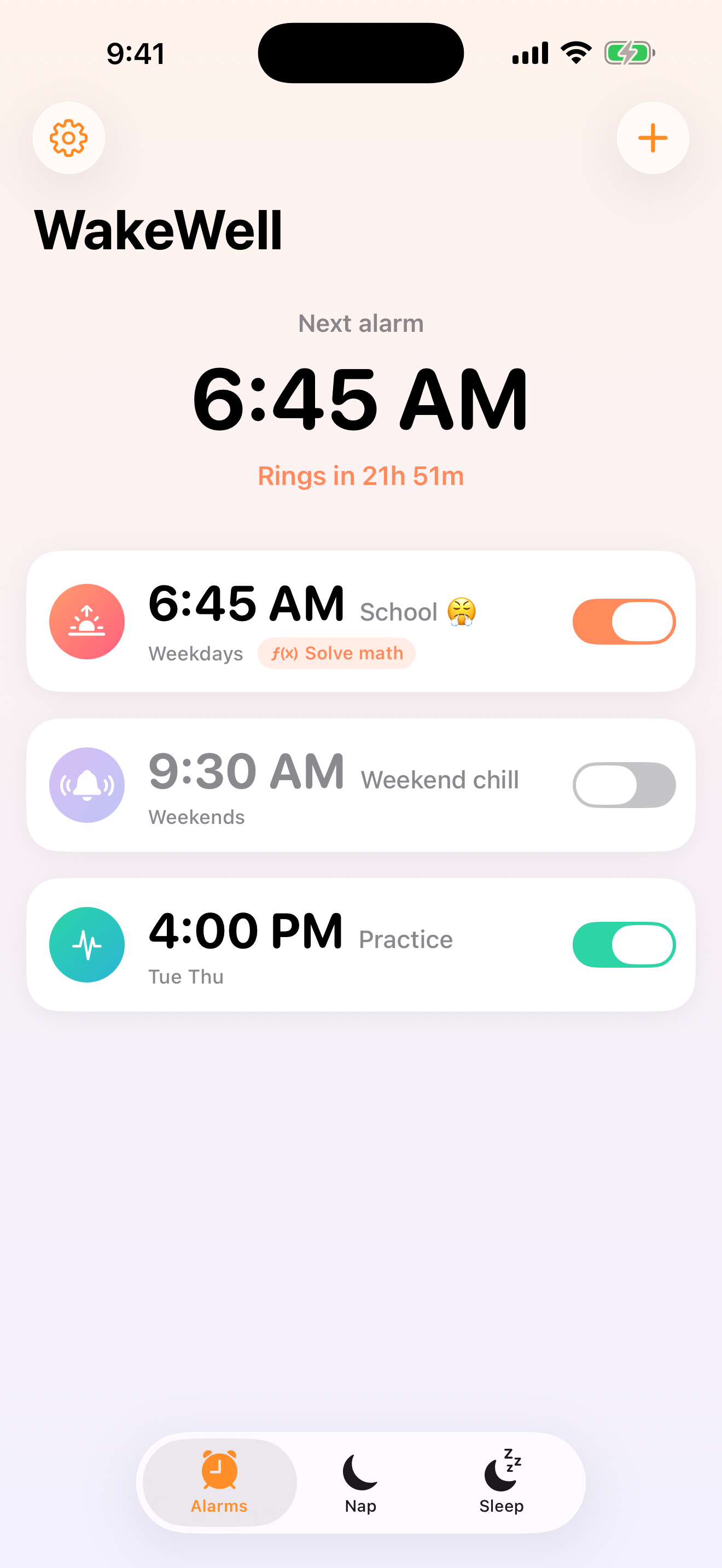
The seven-point setup check
- Time and date: confirm AM/PM, time zone, and the next scheduled occurrence.
- Repeat days: read each selected weekday instead of assuming “weekdays.”
- Sound: choose an audible sound; do not leave the sound set to None.
- Alert volume: check Settings → Sounds & Haptics and the Ringtone and Alerts level.
- Power: charge the phone and avoid depending on a nearly depleted device.
- Locked-screen test: run a short one-time alarm with the screen locked.
- Backup: keep an independent alarm for travel, work, medication, caregiving, or another high-consequence wake-up.
Test the exact behavior you plan to use
If the alarm includes a wake challenge, custom Snooze duration, countdown re-alert, recurring schedule, or gradual-volume option, test that same configuration. Confirm how you stop and snooze it. After editing, return to the alarm list and verify the displayed next time.
Understand sound and notification boundaries
Apple documents that Clock alarms use the Ringtone and Alerts volume and advises checking that alarm sound is not set to None. App-based alarm behavior can also depend on notification authorization, app state, device settings, and system scheduling. A screen that says “scheduled” is evidence of a request—not proof of future presentation or sound.
Use a repeatable pre-sleep check
- Review the next alarm time and repeat day.
- Confirm the phone is charging.
- Confirm alert volume and sound.
- Keep the device where you can hear it without creating a trip or charging hazard.
- Set the independent backup.
If an alarm is missed
Preserve the exact app version, iPhone model, iOS version, alarm time, repeat setting, sound, volume, power state, notification settings, and what appeared on screen. Avoid claiming a cause before those facts are known. If the wake-up involved immediate safety, health, caregiving, or work consequences, address that situation first.
Where Wake Well fits
Wake Well supports alarms, native Snooze, a Snooze countdown with re-alert, Bedroom Sound Check, gradual-volume behavior, optional wake challenges, nap timers, and bedtime planning. The free version supports one alarm and sound-check tools; optional $9.99 Lifetime is a one-time purchase that adds unlimited alarms and additional planning tools.
Test the exact setup on your device and keep an independent backup. Wake Well does not guarantee ringing, Snooze, re-alert, or wake-up outcomes.
View Wake Well on the App Store Review features, pricing, and privacy
Sources and scope
This checklist is general setup guidance, not a reliability guarantee or medical advice.