Trial Guard guide
Free Trial End Date vs. Billing Date: Which Reminder Should You Set?
A trial can involve three different dates: when free access ends, when a charge is expected, and when you want to make a decision. Treating them as one date can leave too little time.
The short answer
Set your action reminder from the earliest reliable date that matters to you—usually a personal decide-by date before the provider’s stated trial end or renewal date. Do not assume a charge will post at a particular hour, that every provider uses the same cancellation cutoff, or that access always stops as soon as you cancel.
Three dates that answer different questions
| Date | What it answers | Where to verify it |
|---|---|---|
| Trial end date | When the introductory free or discounted period is described as ending. | The provider’s current offer, receipt, or subscription screen. |
| Renewal or billing date | When the next paid period is expected to begin or a charge is expected. | The billing provider’s subscription controls or current terms. |
| Decide-by date | When you want enough time to review, keep, cancel, or ask a question. | You choose it, based on the provider’s stated cutoff and your own margin. |
Why the dates may not match perfectly
- A provider may describe the trial in days while displaying a calendar renewal date.
- Time zones and the time of signup can affect the precise boundary.
- A payment may be authorized, pending, or posted at different times.
- Some subscriptions are billed by Apple; others are billed directly by the provider or another company.
- A discounted period, annual commitment, or bundled service may follow different terms from a simple free trial.
The provider’s current subscription screen and terms control. A reminder is planning help, not proof of the provider’s deadline.
If Apple bills the subscription
Apple’s current support instructions direct people to Settings, their name, and Subscriptions to view or cancel eligible Apple-billed subscriptions. Apple also says a free or discounted trial should be canceled at least 24 hours before it ends if you do not want it to renew. If the subscription is missing, Apple recommends checking the receipt to identify the Apple Account or checking the statement to identify another billing company.
Read Apple’s current cancellation instructions. Provider interfaces and regional circumstances can change, so use the instructions visible for your account.
A practical reminder ladder
- Seven days before: find the provider, price, cadence, and cancellation path.
- Three days before: decide whether you still need more time to evaluate.
- One day before your decide-by date: take the action you chose and save non-sensitive confirmation.
- Afterward: recheck the provider’s status. If you expected a charge not to occur, also review the appropriate statement later.
Choose only the reminders that are useful. Notification delivery depends on device settings and Apple system behavior, so a calendar entry or another independent check may be appropriate for a high-stakes deadline.
Use the private browser planner
The trial reminder planner calculates a few candidate dates in this browser only. It does not save, upload, schedule notifications, or cancel anything.
Where Trial Guard fits—and where it does not
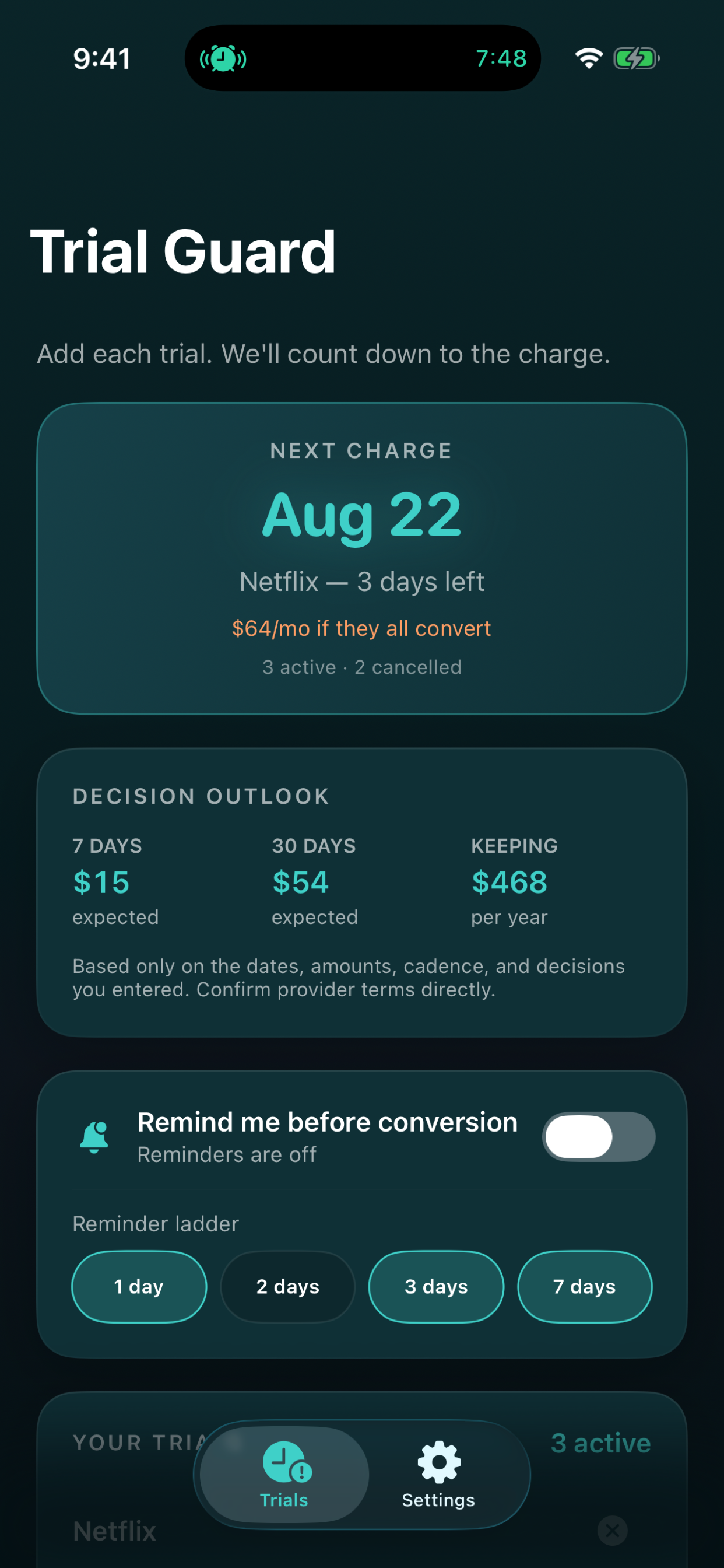
Trial Guard lets you manually enter or confirm conversion and decide-by dates, expected charges, cadence, and local reminder choices. It cannot detect subscriptions, verify provider terms, log in to a provider, manage billing, or cancel a subscription. The app is free for five active trials; optional $4.99 Lifetime Access is a one-time purchase with no subscription.
View Trial Guard's trial-decision page Review features, pricing, and privacy
Sources and boundaries
This guide is general planning information. The billing provider’s current terms and controls determine the actual deadline, price, access, and cancellation result.