System-level alarms
Built with Apple’s AlarmKit rather than background-notification workarounds.
Alarms that make you wake up
System alarms with adjustable native Snooze, twenty-five original tones, private Tone Studio recording, backup alarms, Bedroom Sound Check, wake challenges, nap timers, and bedtime planning.
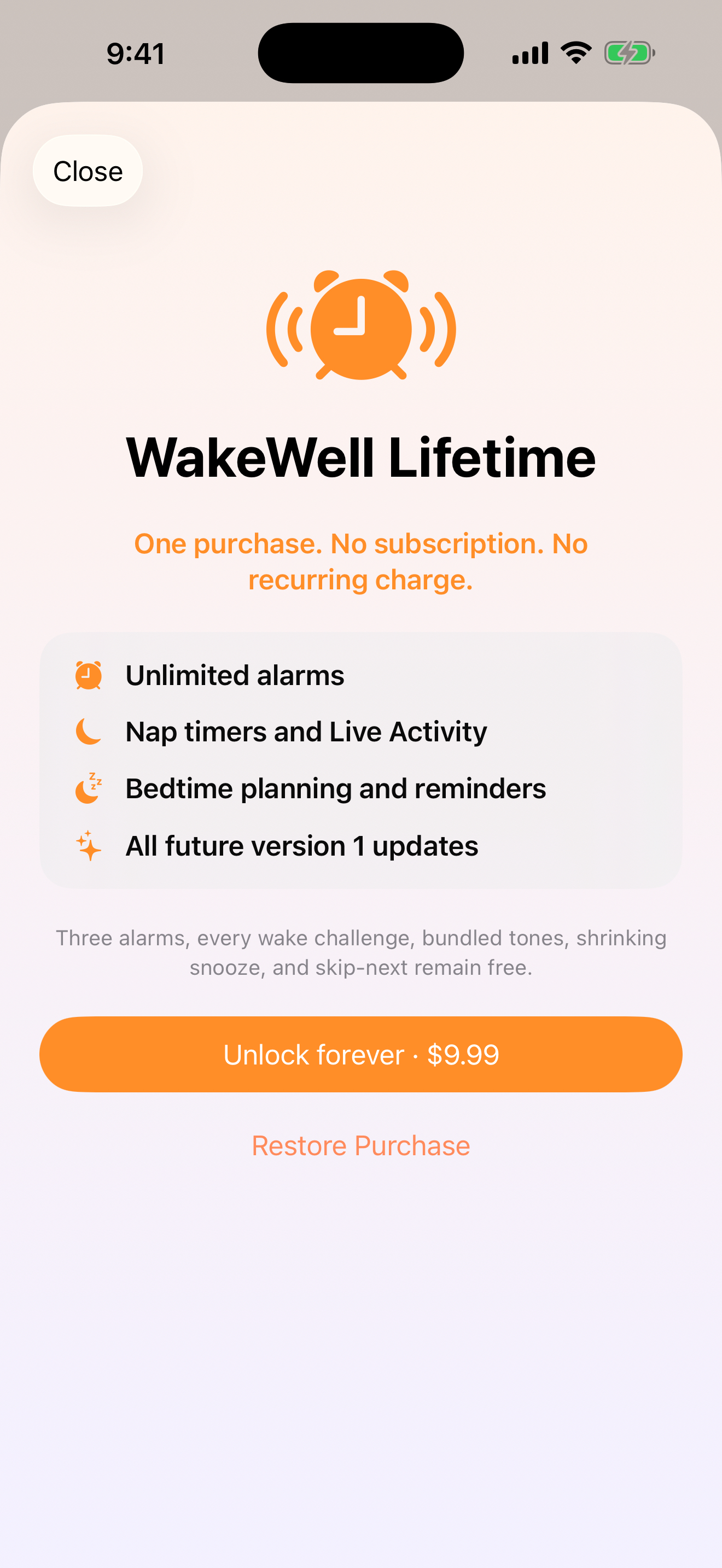
Wake Well 1.0 is available now on the U.S. App Store. The app is free to download, with an optional $9.99 one-time Lifetime Access purchase.
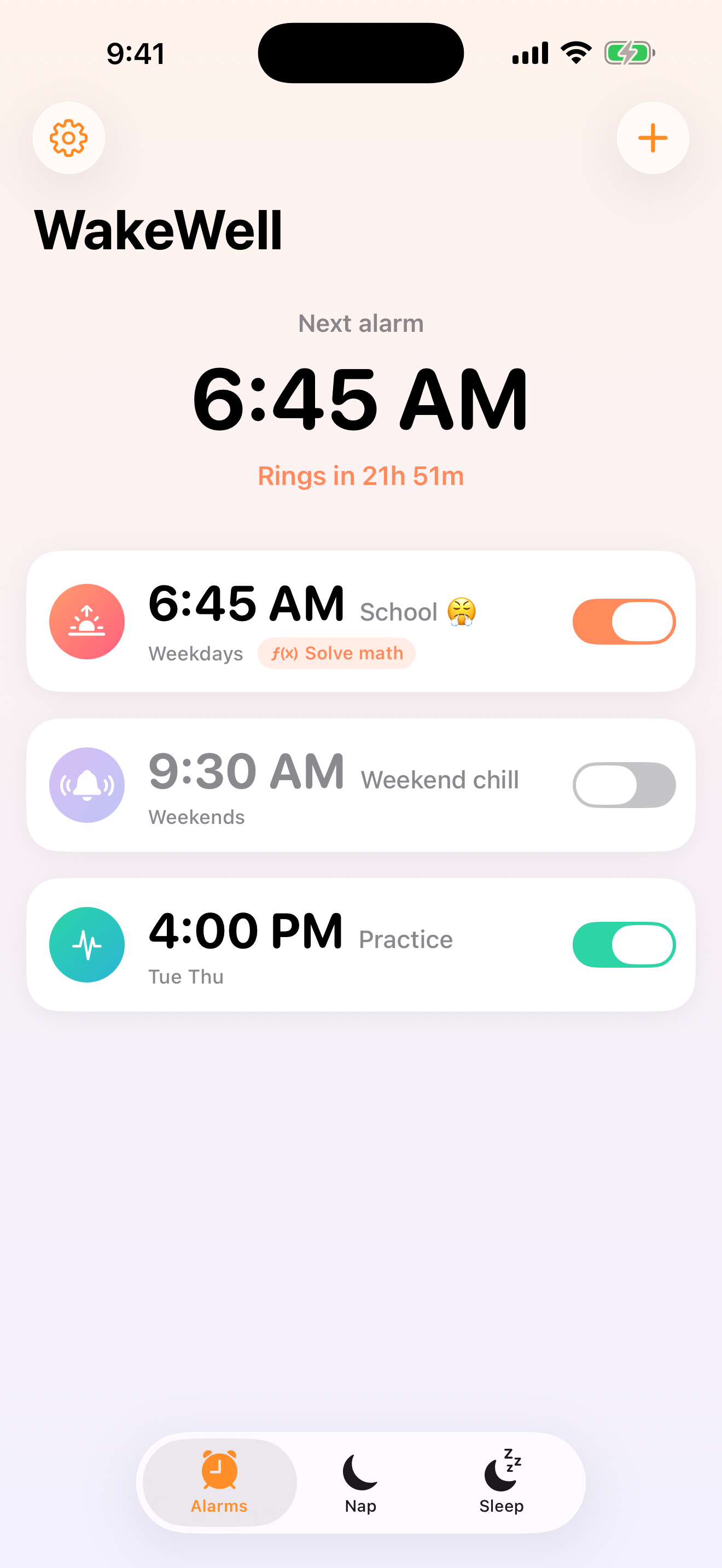
Built for real life
Three alarms, every wake challenge, all twenty-five tones, Tone Studio, audio import, backup alarms, Bedroom Sound Check, Alarm Check, and adjustable native Snooze.
Built with Apple’s AlarmKit rather than background-notification workarounds.
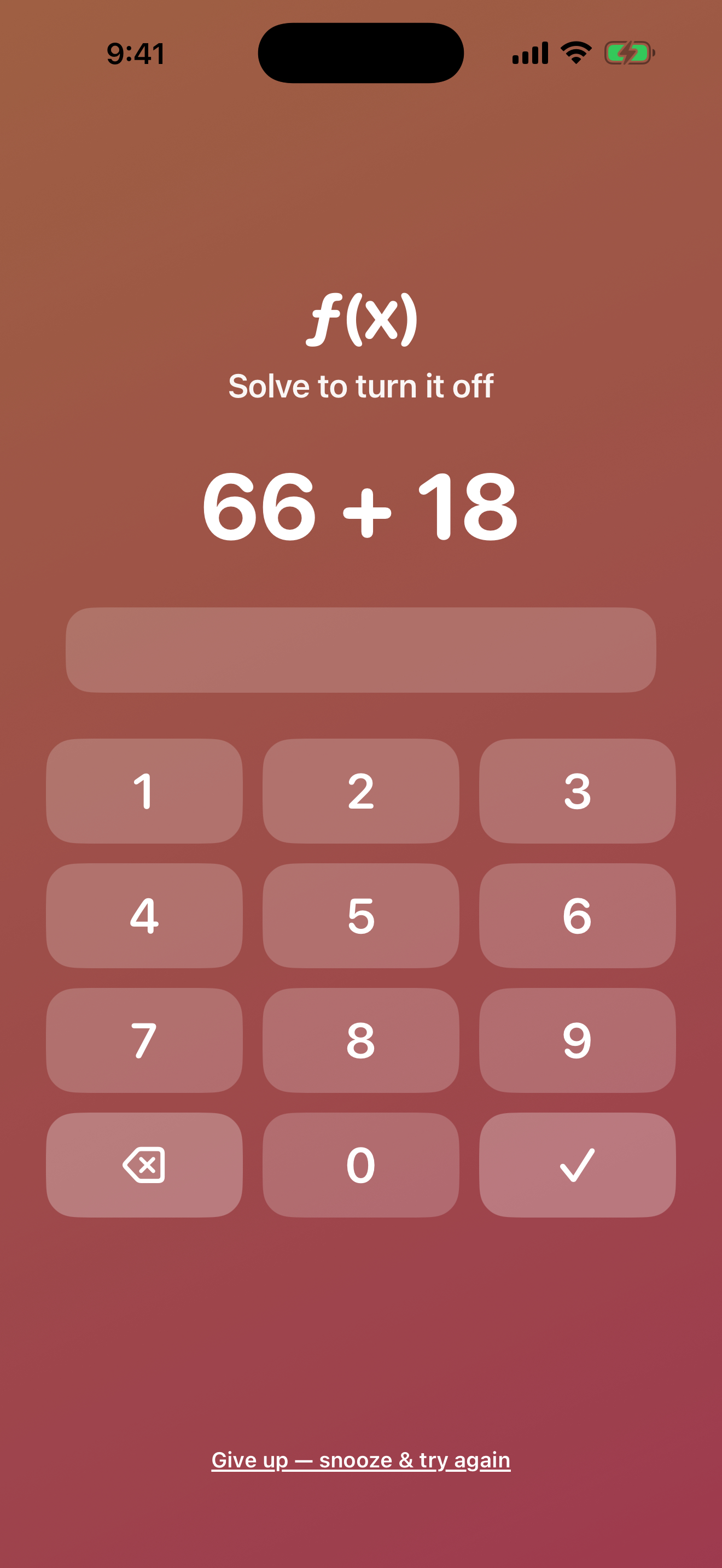
Choose math, shake, repeat-a-phrase, or QR challenges.
Five Extra Loud options start firmly, grow louder and faster, reach maximum intensity around 20 seconds, and hold—alongside gentle, bright, classic, and heavy-sleeper choices.
Record privately, compare Original and Enhanced, diagnose weak audio, use Alarm Boost or Build Up, and safely manage saved tones.
Run Bedroom Sound Check, review before-bed readiness, keep an independent backup alarm, and report whether the exact alarm actually schedules and rings on your device.
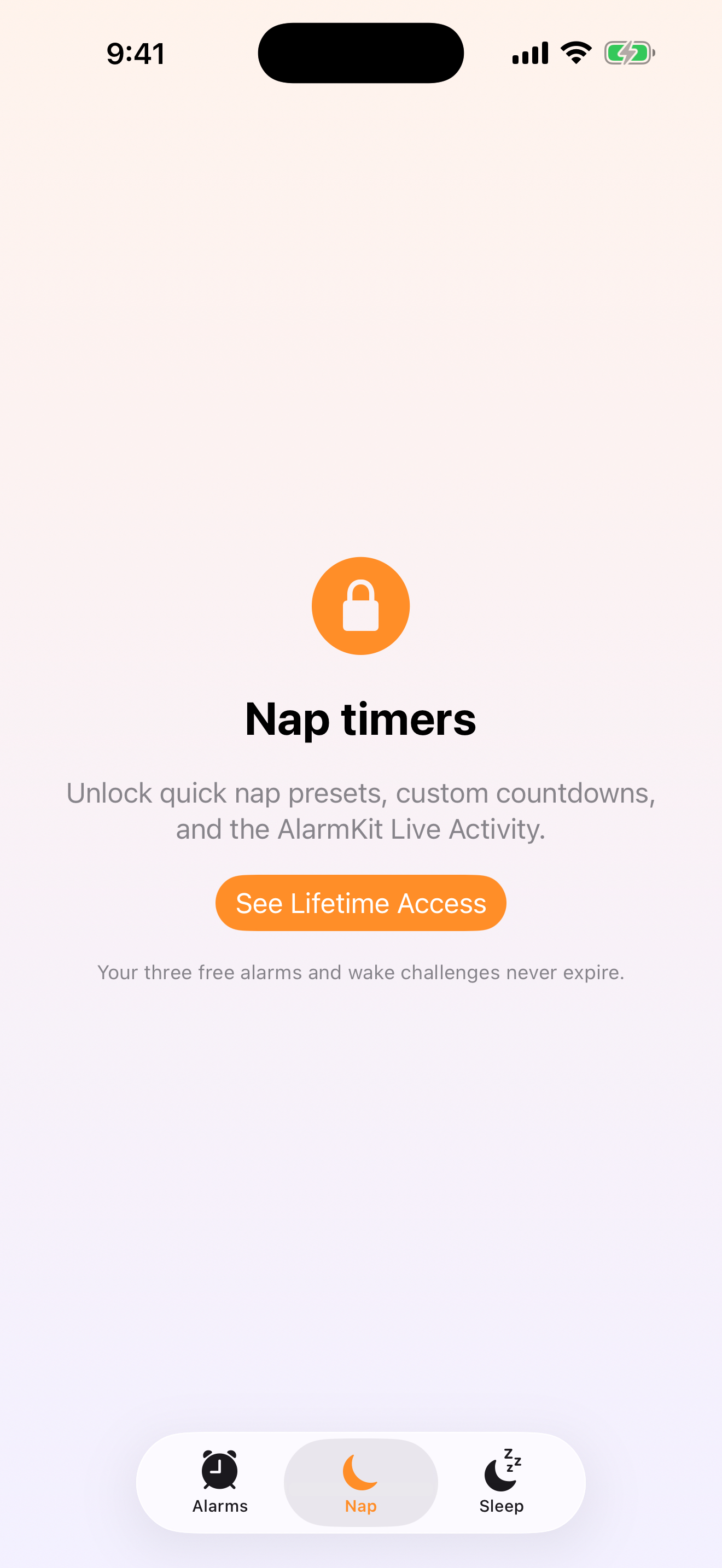
Lifetime Access adds unlimited alarms, nap timers, and bedtime planning.
A closer look
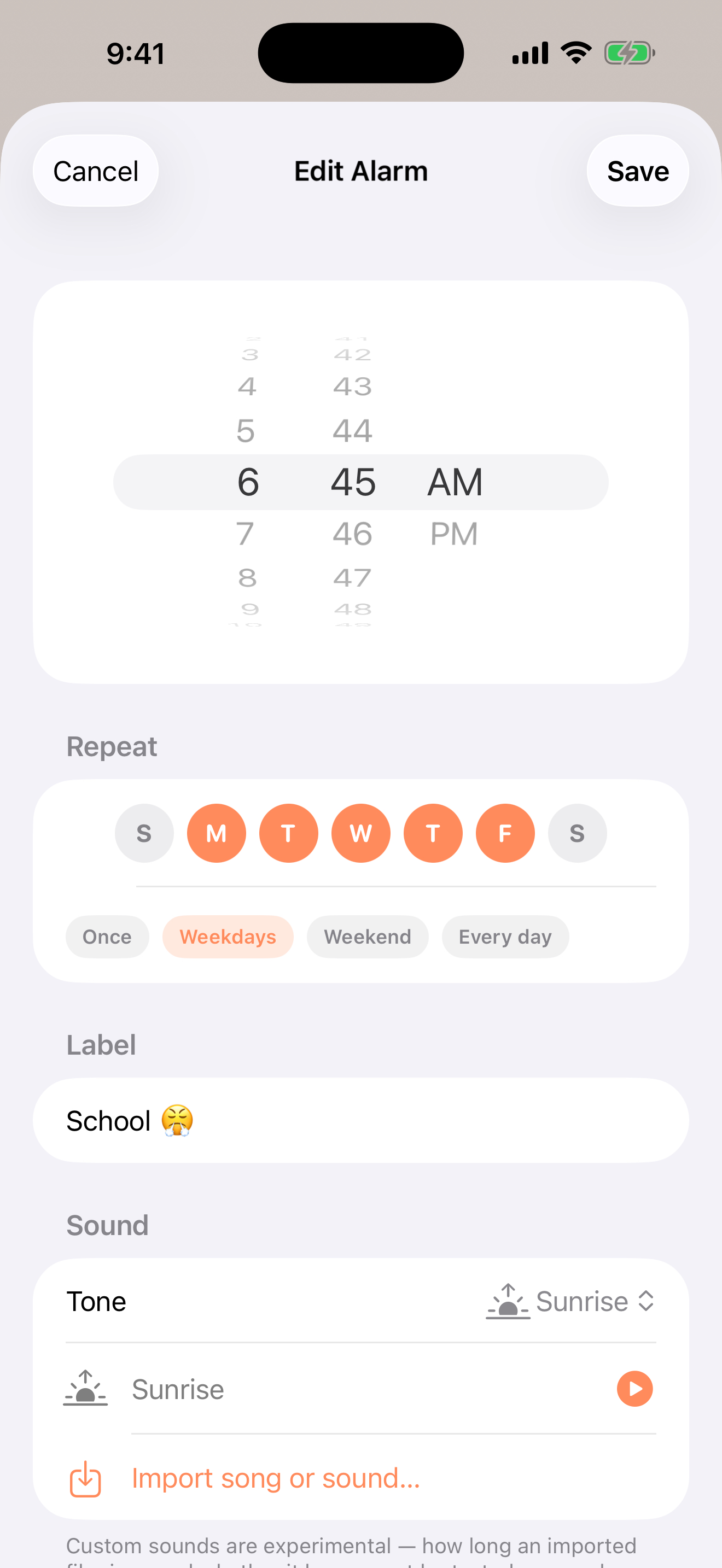
A 30-second product story
Stylized campaign imagery is paired with real public app captures. Playback starts only when you choose it.
Video description: Vertical video uses dry morning humor, a slow pre-dawn-to-sunrise bedroom shot, and a quiet bedside setup, followed by the real Wake Well alarms screen and a blue app end card.
Audio: Ambient audio only; there is no spoken narration.
On-screen text:
Use the method before the app
The guide stands on its own. The app remains optional.
Privacy & support
The app is designed to be useful without a developer-operated account or advertising profile.
No account, advertising, analytics, tracking, or developer-operated server.
Alarms, preferences, imported tones, recordings, diagnostics, and enhanced tones remain local.
Microphone, camera, and motion are requested only when you choose a matching feature.
Earlier beta builds received confirmed AlarmKit Error 0 and non-ringing reports. The current candidate adds fail-closed scheduling, cancellation, persistence, rollback, and recovery controls, but representative physical-device ringing and native-Snooze evidence remains limited. Keep an independent backup alarm and do not treat Wake Well as a guaranteed wake-up service.
Before you install
Designed for iPhone with iOS 26 or later because system alarms use AlarmKit.
Alarm permission is required for system alarms.
Microphone, camera, and motion permissions are needed only for the matching optional feature.
Good to know
No. Wake Well includes twenty-five original tones and lets you record a personal tone or import compatible audio you own; it does not promise Apple Music playback.
No app can override the iPhone's final alarm-volume setting. Wake Well's Extra Loud tones escalate inside the sound itself, and Alarm Check helps you verify the result before relying on it.
Wake Well uses Apple's system alarm framework. Test your chosen alarm and tone on your own iPhone with Alarm Check before relying on it.
No. Recording, diagnostics, cleanup, Alarm Boost, and Build Up happen on your iPhone. Temporary working audio is removed after you save or discard.
Wake Well uses AlarmKit's documented native Snooze countdown at the interval you choose. Test initial ringing, Snooze, re-alert, and Stop on your own iPhone before relying on it; Wake Well does not claim those physical behaviors are proven on every device or iOS version.
Three alarms, every wake challenge, all twenty-five tones, Tone Studio, audio import, backup alarms, Bedroom Sound Check, Alarm Check, and adjustable native Snooze.
Available now
Wake Well 1.0 is available now on the U.S. App Store. The app is free to download, with an optional $9.99 one-time Lifetime Access purchase.